Android App  โ€ข  Works 100% Offline

Complete POS for
Indian Restaurants

GST billing with CGST/SGST, dine-in table management, 80mm receipt printing, bulk menu import, and detailed sales reports โ€” all working 100% offline, no internet required. One-time payment, no monthly fees.

Android App ๐Ÿ–จ๏ธ 80mm Printer GST Compliant
๐Ÿœ Quick Service Restaurants โ€ข ๐Ÿฝ๏ธ Dine-In โ€ข ๐Ÿฅก Takeaway
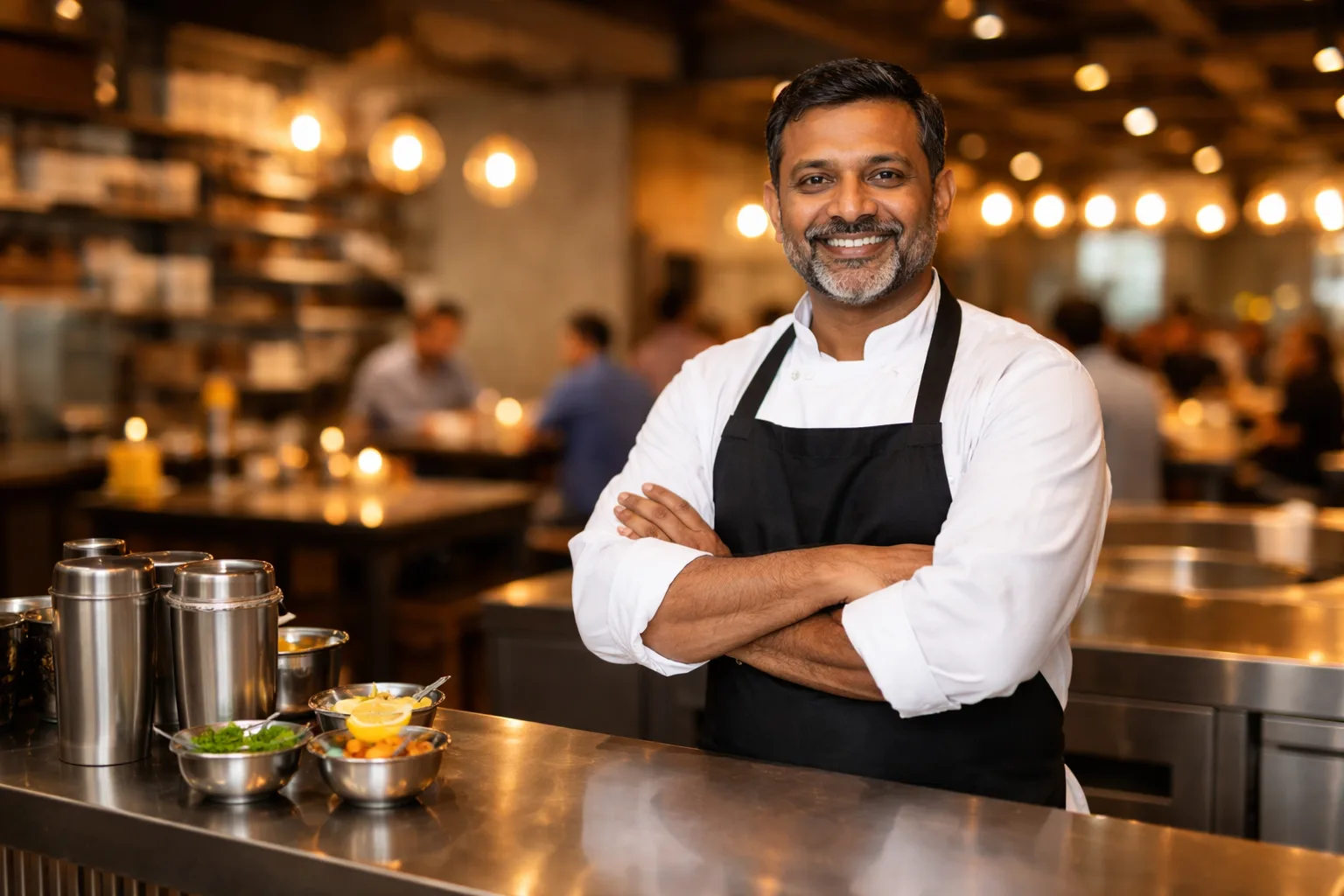
Restaurant POS billing on Android
GST
CGST/SGST Billing
100%
Works Offline
25
Step Tutorial Mode
โ‚น0
Monthly Fee

Everything Your Restaurant Needs

Complete POS features designed for Indian restaurants โ€” from street-side dhabas to multi-branch chains

๐Ÿฝ๏ธ

Table Management

Visual floor layout for dine-in orders. See which tables are occupied, assign orders, merge tables, and settle bills โ€” all on one screen.

  • โœ“ Visual floor map
  • โœ“ Table-wise order tracking
  • โœ“ Split & merge bills
๐Ÿงพ

GST Billing

Automatic CGST/SGST calculation on every bill. Print 80mm thermal receipts, generate PDF invoices, and share via WhatsApp in seconds.

  • โœ“ CGST/SGST auto-split
  • โœ“ 80mm thermal printing
  • โœ“ PDF & WhatsApp sharing
๐Ÿ“ด

Works 100% Offline

No internet? No problem. Take orders, print bills, and run your restaurant even when Wi-Fi is down. Your data stays safe on your device.

  • โœ“ Zero dependency on internet
  • โœ“ Local data storage
  • โœ“ Instant startup, no loading
๐ŸŽ“

Built-in Tutorial Mode

Train new staff without fear. A 25-step interactive walkthrough with demo data lets anyone learn the system before going live.

  • โœ“ 25-step guided walkthrough
  • โœ“ Isolated demo environment
  • โœ“ Auto-play for demonstrations
๐Ÿ“‹

Bulk Menu Import

Add 100+ menu items in minutes using spreadsheet import. Set categories, prices, and GST rates โ€” all in one go.

  • โœ“ Excel/CSV import
  • โœ“ Category & tax setup
  • โœ“ Quick search & filter
๐Ÿ“Š

Reports & Analytics

Daily sales summary, top-selling items, payment breakdown (cash/UPI/card), and shift-wise reports to track your restaurant's performance.

  • โœ“ Daily & date-range reports
  • โœ“ Top items & categories
  • โœ“ Payment mode breakdown

Works for Every Restaurant

One app โ€” from a small dhaba to a multi-table restaurant

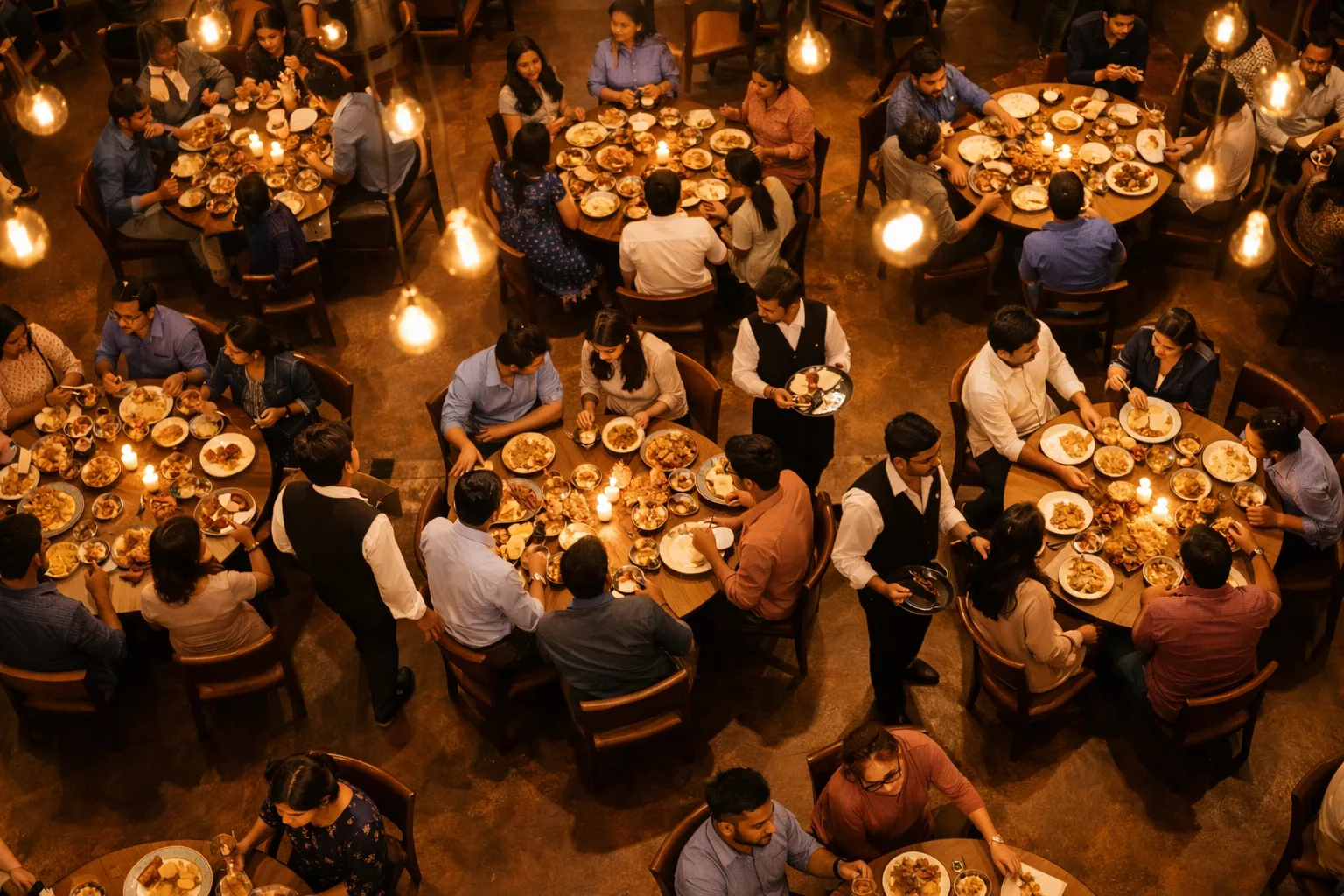
Busy Indian restaurant
๐Ÿฝ๏ธ

Dine-In Restaurants

Manage tables visually, take orders table-wise, print KOT for the kitchen, and settle bills with GST in one tap.

  • โœ“ Visual table floor map
  • โœ“ Kitchen order tickets (KOT)
  • โœ“ GST bill with UPI/cash/card
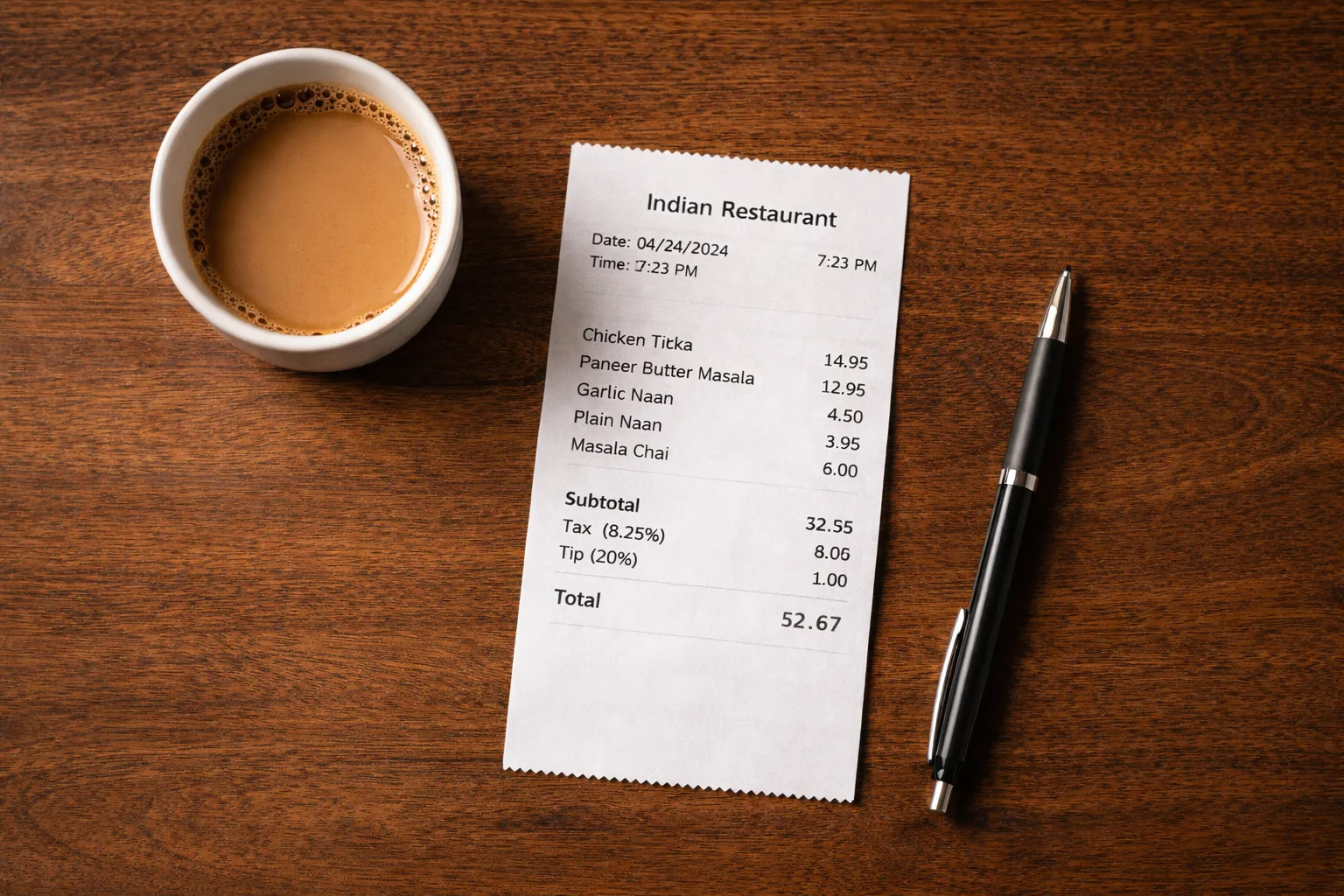
Fast billing for takeaway and QSR
๐Ÿฅก

QSR & Takeaway

Fast-tap ordering for counters. Bill a customer in under 30 seconds. Print receipts instantly with your 80mm thermal printer.

  • โœ“ Fast counter billing
  • โœ“ 80mm thermal printing
  • โœ“ Works without internet
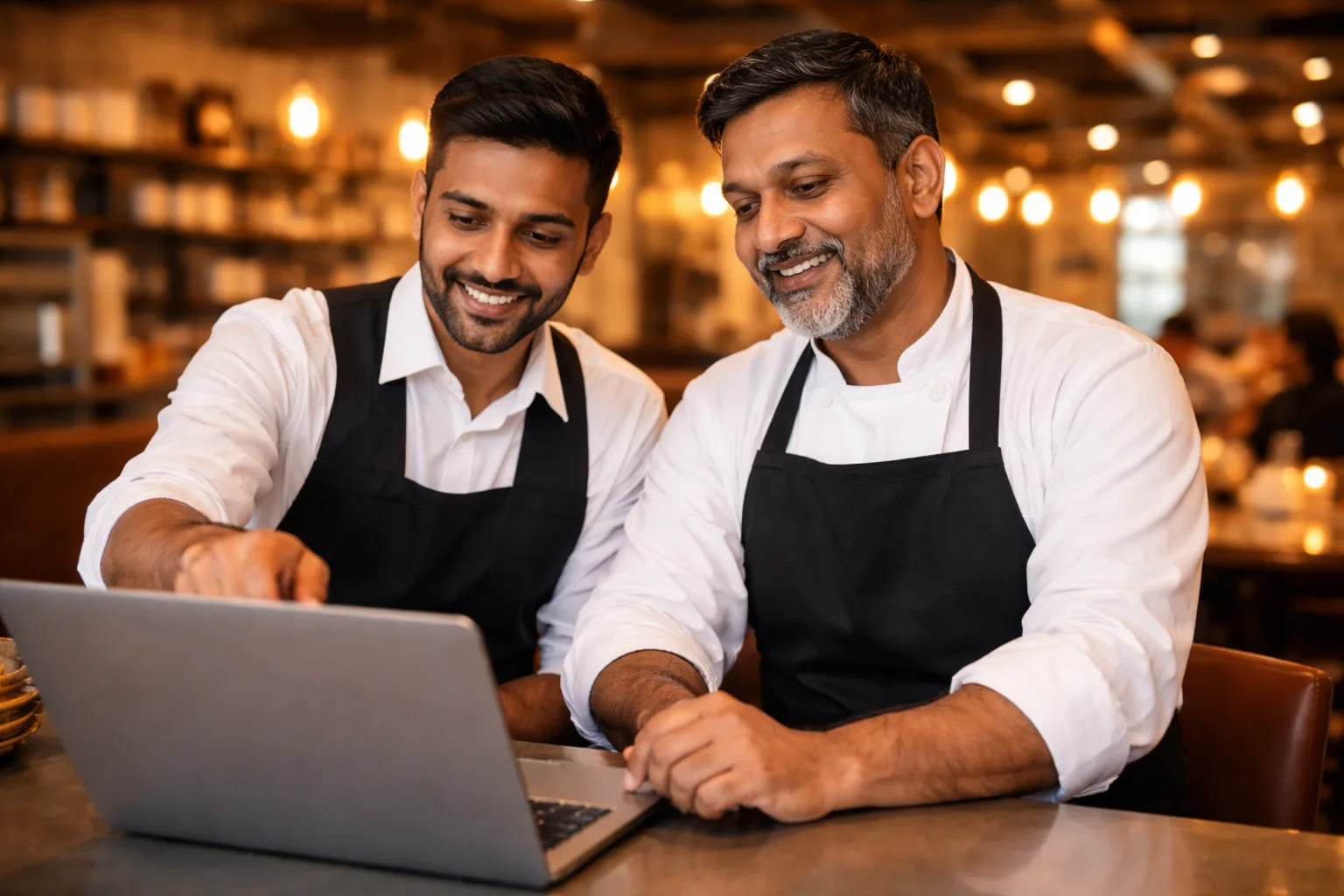
Restaurant staff training on POS

Train Staff in Minutes, Not Days

The built-in tutorial mode walks new staff through every feature step-by-step โ€” with demo data, so nothing can go wrong.

  • 1
    25-step guided walkthrough โ€” covers every feature from billing to reports
  • 2
    Isolated demo environment โ€” practice without affecting real data
  • 3
    Auto-play mode โ€” perfect for product demos and presentations

Moving from Paper or Old Software?

Switching is easier than you think โ€” we help you every step of the way.

๐Ÿ“‹

From Paper / Notebook

Start fresh โ€” add your menu items in bulk using our Excel import. Takes under 30 minutes.

๐Ÿ’พ

From Other POS Software

Export your menu as CSV/Excel and import it directly into CerebraQ. Your items, prices, and GST rates transfer over.

๐Ÿค

We Help You Set Up

Our team helps with installation, menu setup, and staff training. Most restaurants are live within the same day.

How It Works

Up and running in under an hour

1

Install & Configure

Download the Android app. Add your restaurant name, GST number, and set up your tables and user roles.

2

Add Your Menu

Import your menu from Excel or add items one by one. Set categories, prices, and GST rates โ€” done in minutes.

3

Start Billing

Take orders, print bills, manage tables, and view daily sales reports โ€” all from your Android phone or tablet.

One-Time Payment

No monthly fees. No hidden charges. Own it forever.

Starter from โ‚น9,999 one-time
Plans for every restaurant size

Starter (offline, one-time) ยท Pro (online, โ‚น399/mo) ยท Enterprise (online + offline, โ‚น799/mo). No hidden fees.

  • โœ“ All features included โ€” no extra modules
  • โœ“ Year 1 AMC (updates + support) free
  • โœ“ 30-day money-back guarantee
  • โœ“ Works offline โ€” no subscription trap
View Full Pricing โ†’
Restaurant POS works offline

No internet? Still billing. Works 100% offline.

One-time payment no subscription

No monthly surprises โ€” pay once, own forever

Also using Business ERP? Ask about our bundle discount.

Ready to Modernize Your Restaurant?

Try the live demo or contact us to get started with CerebraQ Restaurant POS